

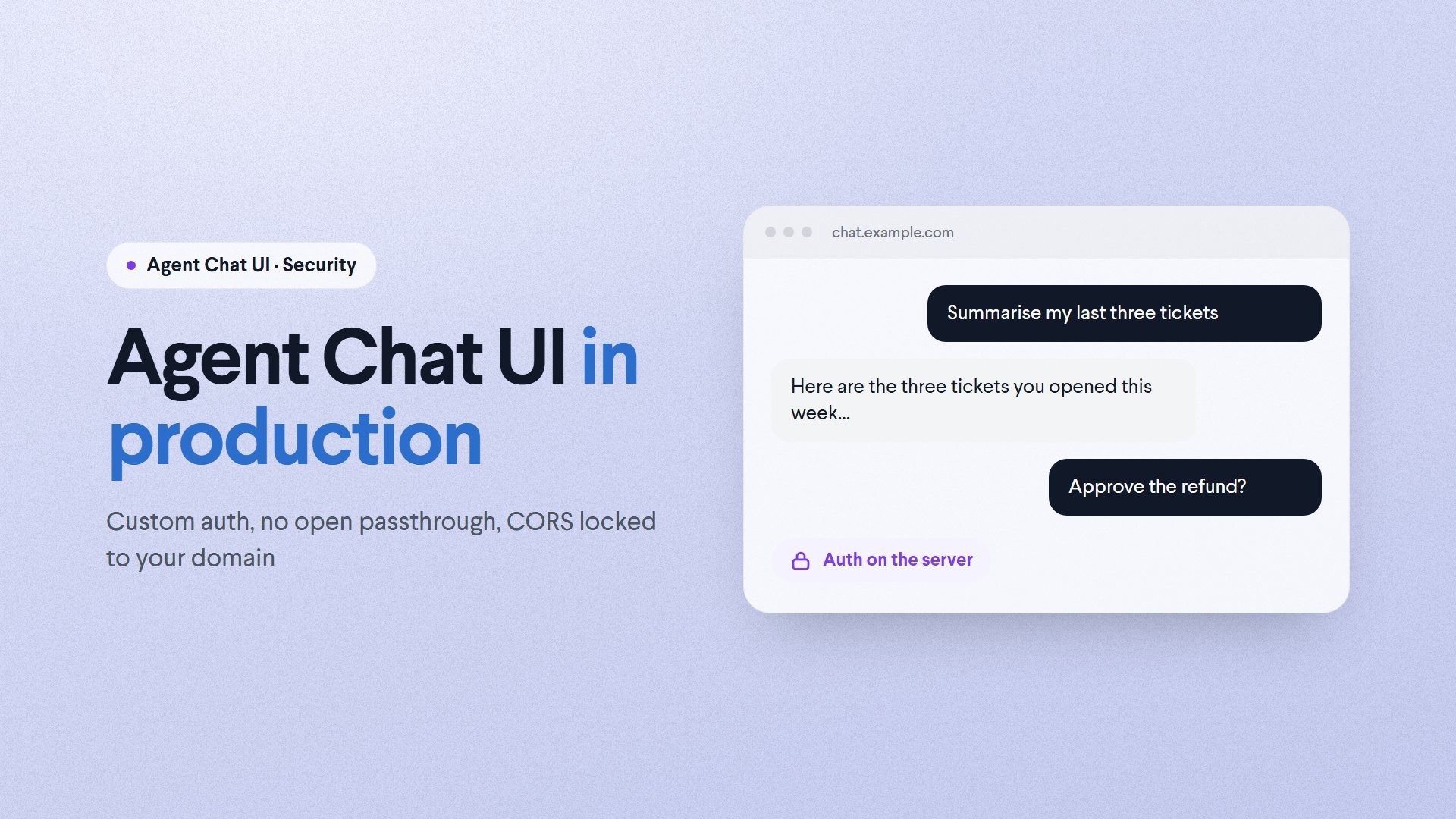
Agent Chat UI is LangChain's open-source chat interface for LangGraph agents. Its quickest production setup, the API passthrough, hides your LangSmith key but doesn't check who is calling, so anyone who finds the site can run your agent on your bill. This guide walks through the setup its own README recommends instead.
What is Agent Chat UI?
Agent Chat UI is a Next.js app that gives any LangGraph agent a chat interface: streaming messages, tool calls, interrupts for human approval, and an artifact side panel. It talks to the Agent Server API, so it works with LangSmith Cloud, a self-hosted Agent Server, or langgraph dev on your laptop.
git clone https://github.com/langchain-ai/agent-chat-ui.git
cd agent-chat-ui
pnpm install
pnpm dev # http://localhost:3000
The repository is archived
LangChain archived Agent Chat UI on 3 November 2026. It still works and is still MIT-licensed, but it gets no more fixes. Fork it, pin your dependency versions, and treat the fork as your own code.
Which environment variables does it need?
Set these in .env (copy .env.example) and the setup form disappears.
| Variable | Public? | What it's for |
|---|---|---|
NEXT_PUBLIC_API_URL |
Yes | Where the browser sends requests: your server, or your site's /api with the passthrough |
NEXT_PUBLIC_ASSISTANT_ID |
Yes | The assistant or graph ID, e.g. agent |
NEXT_PUBLIC_AUTH_SCHEME |
Yes | Blank, or langsmith-api-key for Agent Builder deployments |
LANGGRAPH_API_URL |
No | Your deployment URL, read only by the server-side passthrough |
LANGSMITH_API_KEY |
No | Your LangSmith key, added server-side by the passthrough |
Never prefix a secret with NEXT_PUBLIC_
Next.js puts every NEXT_PUBLIC_ variable into the JavaScript it sends to browsers. LANGSMITH_API_KEY must stay
server-side.
Why isn't the API passthrough safe?
The passthrough is a catch-all Next.js route that forwards every request to your LangGraph deployment and adds your LangSmith API key on the way. It hides the key, but it doesn't check who is calling.
The README is explicit: the passthrough "does not authenticate your callers". Anyone who can reach your site can:
- read, overwrite and delete threads and store items, including other users' conversations;
- start runs billed to your LangSmith account.
The passthrough package's own README now says it is no longer the recommended way to handle authentication.
| API passthrough | Custom authentication | |
|---|---|---|
| Who checks the user | Nobody | Your LangGraph server, on every request |
NEXT_PUBLIC_API_URL |
Your site + /api |
Your LangGraph deployment URL |
| LangSmith key location | Next.js server | Not needed in the UI at all |
| Per-user threads | No | Yes, if your auth handler filters by owner |
| Safe for the public internet | No | Yes |
How do you set up custom authentication?
Custom auth moves the check to the LangGraph server. The UI sends a user token; the server decides who it is and which threads they may touch.
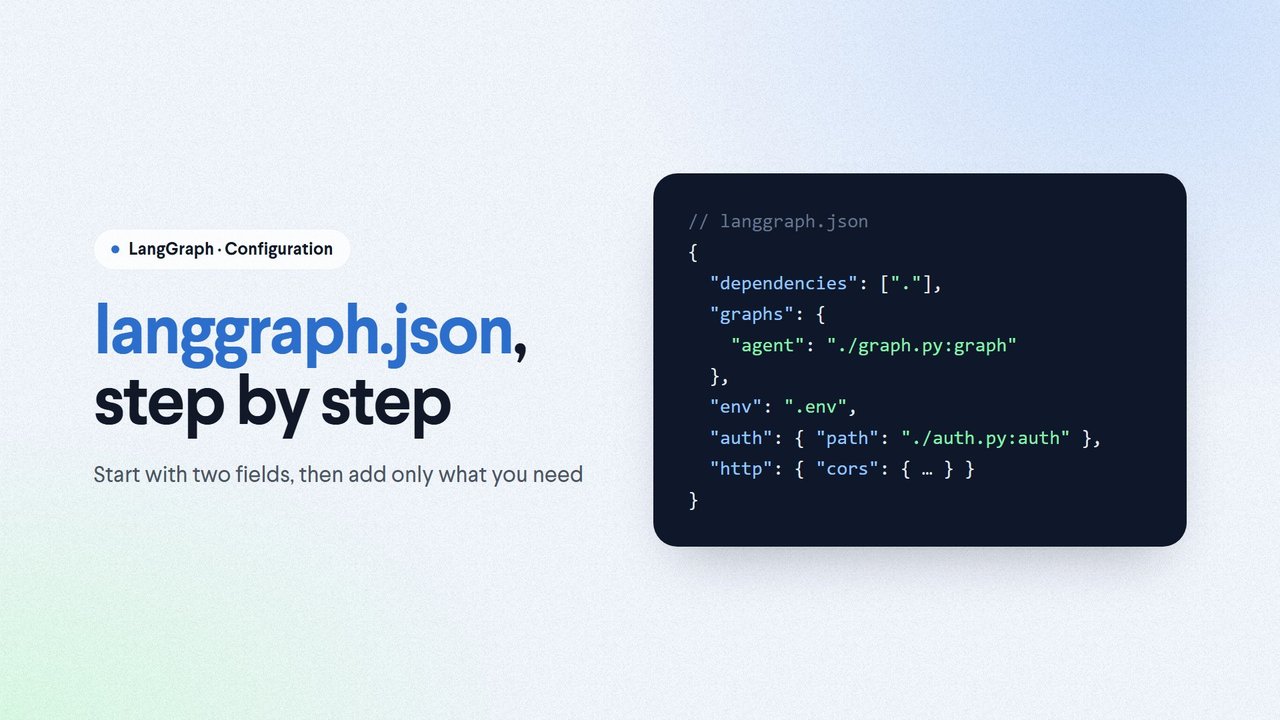
1. Add an auth handler to the agent. Point auth.path in langgraph.json at a langgraph_sdk.Auth instance:
{
  "dependencies": ["."],
  "graphs": { "agent": "./src/agent/graph.py:graph" },
  "auth": { "path": "./src/agent/auth.py:auth" }
}
from langgraph_sdk import Auth

auth = Auth()

@auth.authenticate
async def authenticate(authorization: str | None) -> Auth.types.MinimalUserDict:
    user = await verify_token(authorization)  # your identity provider
    if user is None:
        raise Auth.exceptions.HTTPException(status_code=401, detail="Invalid token")
    return {"identity": user.id}

@auth.on
async def owner_only(ctx: Auth.types.AuthContext, value: dict):
    # Tag new resources with the owner, and only return the owner's resources.
    metadata = value.setdefault("metadata", {})
    metadata["owner"] = ctx.user.identity
    return {"owner": ctx.user.identity}
2. Send the token from the UI. In the fork, pass the user's token in defaultHeaders where the stream is created (src/providers/Stream.tsx). Use the header your handler reads, normally Authorization: Bearer <token>. The README's example uses a header named Authentication, so match whatever your server expects.
3. Point the UI at the server. Set NEXT_PUBLIC_API_URL to the deployment URL and NEXT_PUBLIC_ASSISTANT_ID to your graph.
4. Delete the passthrough. Remove src/app/api/[..._path]/route.ts so no public route holds your LangSmith key.
5. Allow your domain only. The browser now calls the server directly, so set CORS in langgraph.json:
{
  "http": {
    "cors": {
      "allow_origins": ["https://chat.example.com"],
      "allow_credentials": true
    }
  }
}
With custom auth in place, the UI holds no secrets, so it's an ordinary Next.js app: host it anywhere that runs Next.js, from a Git-connected platform to a container on your own server.
How do you hide internal messages?
Some model calls, such as routing or summarising, shouldn't appear in the chat.
- Don't stream them live: add the tag
langsmith:nostreamto that model's config. The message still appears once it's saved to state. - Never show them: prefix the message
idwithdo-not-render-before saving it, and add thelangsmith:do-not-rendertag. The UI filters those messages out.
router_model = model.with_config(config={"tags": ["langsmith:nostream"]})Before you go live
- The agent has an
auth.pathhandler that rejects unknown tokens and filters threads by owner. src/app/api/[..._path]/route.tsis deleted, and no LangSmith key is set in the UI.http.cors.allow_originslists only your UI's domain.- You run your own fork with pinned dependencies, since the upstream repository is archived.
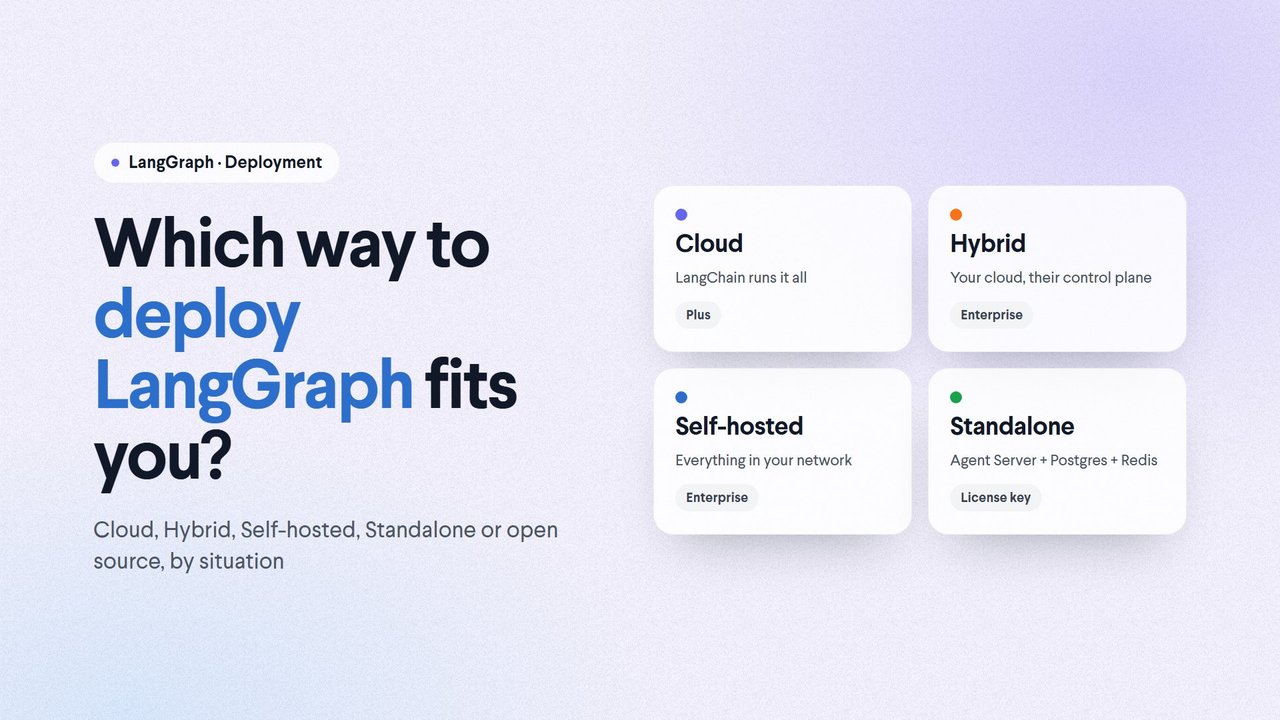
New to deploying the agent itself? Start with every official way to deploy LangGraph.
Sources (checked 24 November 2026)
- Agent Chat UI: setup, environment variables, Going to Production
- langgraph-nextjs-api-passthrough: the passthrough route
- LangGraph CLI configuration:
authandhttp.corsinlanggraph.json
Comments