

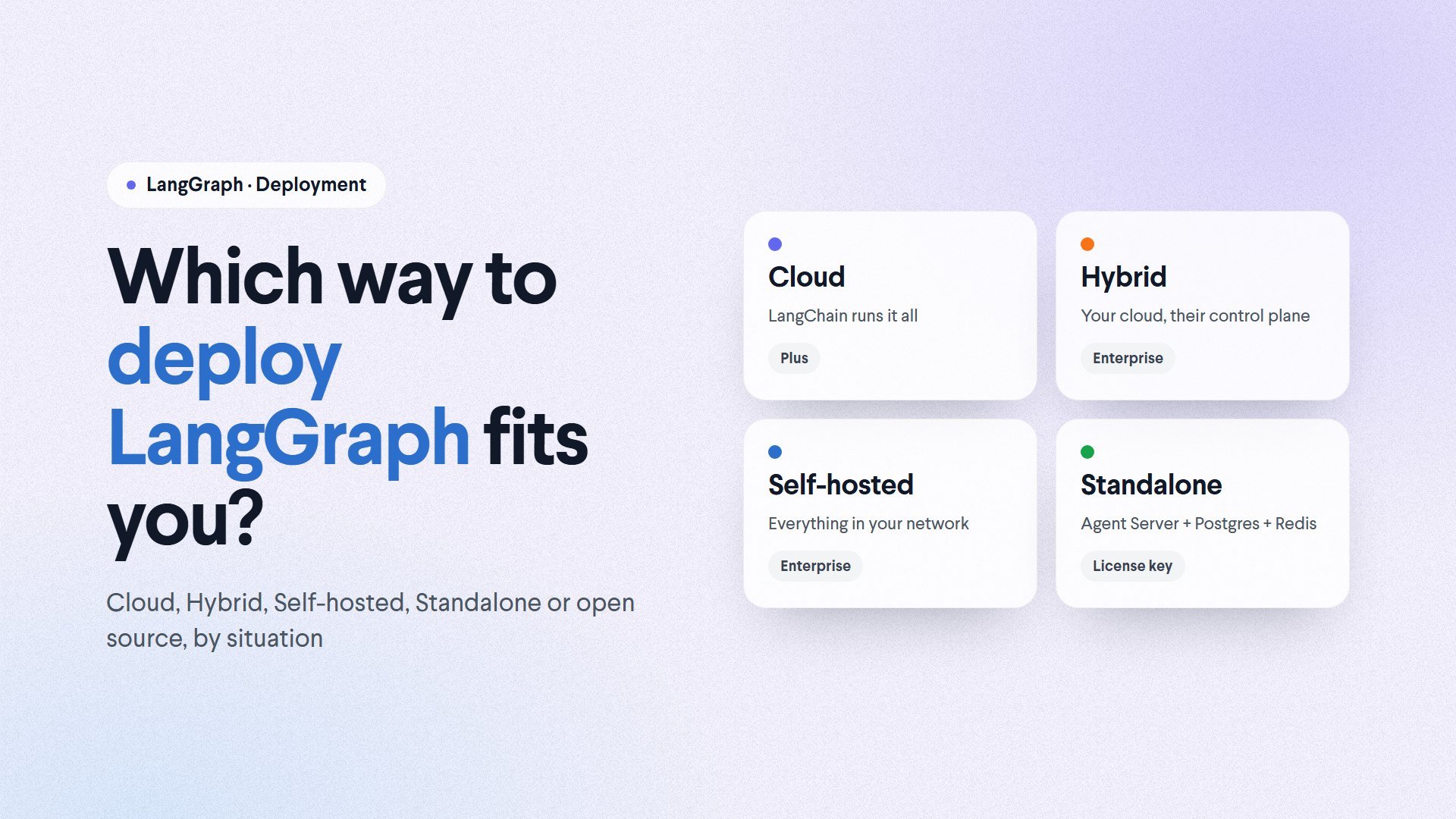
LangChain documents four ways to host a LangGraph agent: Cloud, Hybrid, Self-hosted with control plane and Standalone server. Three of them need an Enterprise agreement or a license key from LangChain's sales team, so the first question decides most of it:
The rest of this guide helps you pick within that, and tells you what to do next.
Which option fits your situation?
| Your situation | Pick | Why |
|---|---|---|
| You're shipping your first agent and want it live this week | Cloud | Connect a GitHub repo and it runs. No servers, databases or upgrades to manage |
| Small team, a few agents, light or bursty traffic | Cloud, Serverless | The first small Serverless agent is included in Plus, and Serverless scales to zero between uses |
| One agent that must answer instantly, all day | Cloud, Dedicated | No cold starts. About $389 a month per small agent on top of seats |
| Customer data can't leave your cloud account | Hybrid (Enterprise) | Agents and data run in your Kubernetes cluster; LangChain's UI manages them |
| Nothing can leave your network, or you're air-gapped | Self-hosted with control plane (Enterprise) | The whole platform, UI included, runs on your infrastructure |
| You already have an Enterprise agreement and want one server, no control plane | Standalone server | The official server as a container, with your own Postgres and Redis |
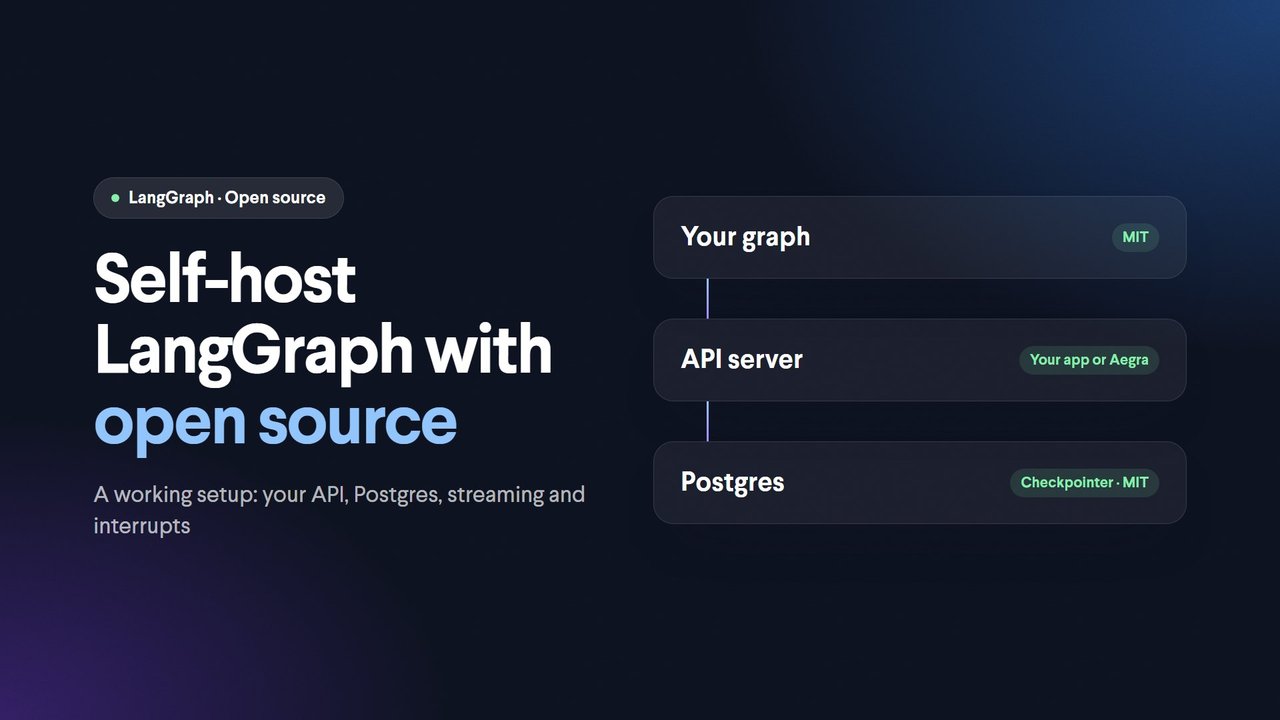
| No Enterprise agreement, but you must self-host or keep costs near zero | Open source | MIT-licensed LangGraph behind your own API, or a community server. See the options |
If you're unsure, start with Cloud
Your code doesn't change between options: every official one runs the same Agent Server, built from the same
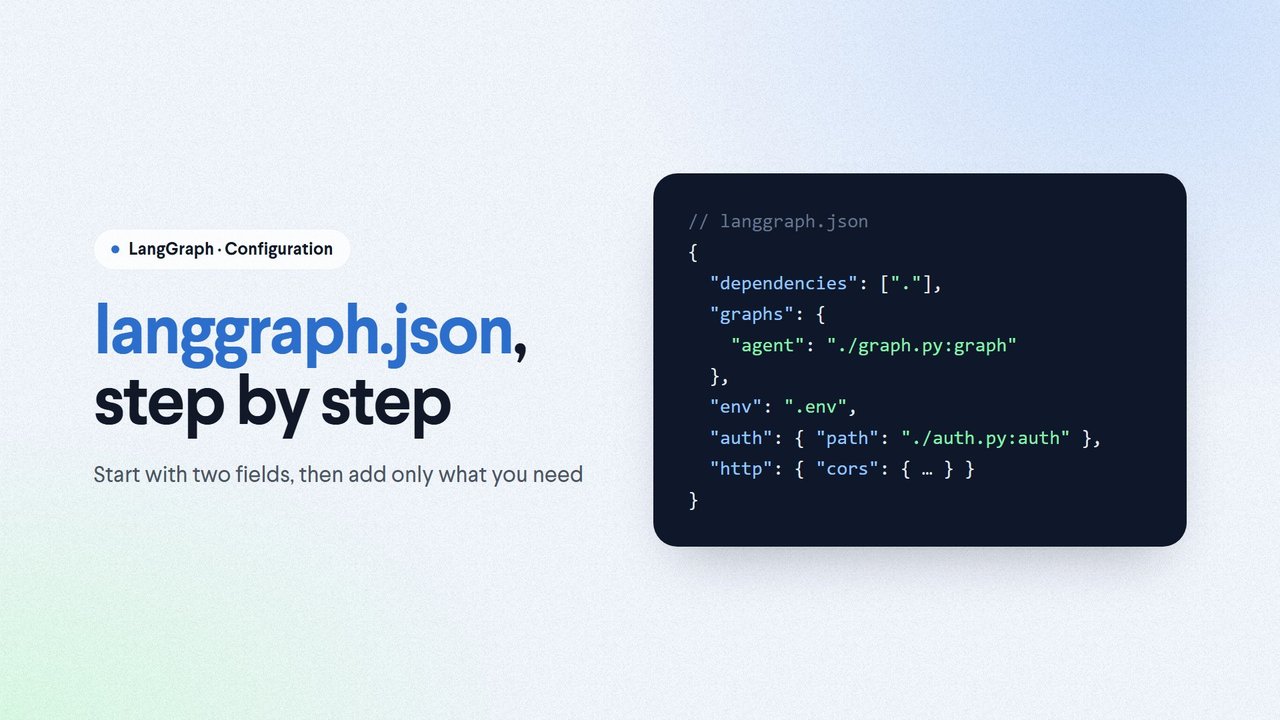
langgraph.json. You can start on Cloud and move to a self-hosted option later
without rewriting the agent. The opposite move, from your own custom API to the official server, does mean changing
your clients.
How do the options compare?
The options differ in who runs the control plane (the UI and API that create and manage deployments) and the data plane (the Agent Servers and their databases).
| Cloud | Hybrid | Self-hosted with control plane | Standalone server | Open source | |
|---|---|---|---|---|---|
| Plan | Plus or above | Enterprise | Enterprise | License key | None |
| Control plane run by | LangChain | LangChain | You | None | None |
| Agent servers run by | LangChain | You | You | You | You |
| Where your data lives | LangChain's cloud | Your cloud | Your network | Your servers | Your servers |
| You run | Nothing | Kubernetes data plane | Kubernetes and self-hosted LangSmith | The server, Postgres, Redis | Your API or a community server, Postgres |
| Cost | $39 per seat a month plus usage | Custom pricing | Custom pricing | Custom pricing, plus your infrastructure | Your infrastructure only |
| Time to first deploy | Minutes | Weeks (cluster and contract) | Weeks | Days | Hours to days |
| Works with LangGraph SDK, Studio, Agent Chat UI | Yes | Yes | Yes | Yes | Depends on the route |
Cloud costs depend on the deployment type and on how long agents run. We work through real monthly totals in LangSmith Deployment pricing.
Option 1: Cloud (fully managed)
LangChain runs the control plane, the Agent Servers and their databases. You bring the code.
Choose it if you want the shortest path to production and your data can live with LangChain. Skip it if you have data-residency rules or need to keep costs near zero.
- Plan: Plus or above. The free Developer plan doesn't include agent servers.
- Types: Serverless scales to zero, so the first request after a quiet spell can be slow. Dedicated stays on and autoscales.
Option 2: Hybrid (your data plane, LangChain's control plane)
Your agents and their data run in your Kubernetes cluster; you manage them from LangChain's UI.
Choose it if you're on Enterprise and customer data must stay in your cloud account. Skip it if you don't already run Kubernetes.
- What you install: the
langgraph-dataplaneHelm chart (a listener, an operator and Redis). It needs KEDA and an ingress. - Networking: the listener polls LangChain's control plane over the internet. PrivateLink and Private Service Connect are not supported.
The Hybrid docs are mid-change
The current Hybrid page describes a simpler setup: you self-host Agent Servers and send their traces to LangSmith. The listener-based setup above is on a page now marked legacy. Ask LangChain which one your contract covers before you plan around either.
Option 3: Self-hosted with control plane
The whole platform runs in your infrastructure: the LangSmith UI, the control plane and the Agent Servers.
Choose it if nothing may leave your network and you have a platform team. Skip it if you only need one or two agents. A standalone server is far less to run.
- What you run: self-hosted LangSmith on Kubernetes (the
langsmithHelm chart), plus KEDA and an ingress. - How you deploy: build an image, push it to your registry, then create the deployment in your LangSmith UI.
Option 4: Standalone server
The official Agent Server on its own, with no control plane. You run the container, its databases and its upgrades.
Choose it if you have a license key and want the official API on servers you already run. Skip it if you don't have a license key. Without one, the open-source routes are the alternative.
- Needs: PostgreSQL, Redis, and
LANGGRAPH_CLOUD_LICENSE_KEY. The server checks the key at start-up and needs outbound access tobeacon.langchain.comunless it runs air-gapped. - Production: the docs treat Docker and Docker Compose as local and test setups. For production they point to Kubernetes with the
langgraph-cloudHelm chart, and warn against running the server on serverless platforms.
What about langgraph dev and langgraph up?
Neither is a deployment. Both run the Agent Server on your laptop for testing.
| Command | What it runs | Port | Use it to |
|---|---|---|---|
langgraph dev |
In-process server with hot reload, state kept in memory | 2024 | Build and debug the agent, with Studio |
langgraph up |
The real server image, with Postgres and Redis in Docker | 8123 | Check the production image works before you deploy |
What should you do next?
If you chose Cloud, it takes four steps:
langgraph dev. LangChain's guide asks for this firstlanggraph.jsonlanggraph deploy (beta)Start on Serverless, and move to Dedicated if cold starts hurt your users.
pip install -U "langgraph-cli[inmem]"langgraph dev # test locally on port 2024
langgraph deploy --name my-agent # or connect the repo in the LangSmith UI
If you need Hybrid, Self-hosted or a standalone server: contact LangChain's sales team for an Enterprise agreement or a license key. Ask which Hybrid model it covers. In the meantime, check your image builds and runs with langgraph up.
If you chose open source: read open-source ways to deploy LangGraph. It covers what you have to build yourself and gives a working setup.
FAQ
Can I deploy a LangGraph agent for free?
Not on LangSmith: the free Developer plan doesn't include agent servers, and Cloud starts on Plus. The LangGraph library is MIT-licensed, though, so you can serve it from your own API at the cost of your own servers.
Is LangGraph Platform the same as LangSmith Deployment?
Yes. LangGraph Platform was renamed LangSmith Deployment, and its runtime is now called the LangSmith Agent Server.
Can I run langgraph dev in production?
No. It keeps state in memory and LangChain describes it as a lightweight development server. Use langgraph up to test the production image.
Can I move from Cloud to self-hosting later?
Yes. Every official option runs the same Agent Server from the same langgraph.json, so the agent code and your clients stay the same. You change where it runs and set up its databases.
Sources (checked 24 November 2026)
- Deploy agents: the four hosting options
- Deploy to Cloud: plans, Serverless and Dedicated
- LangSmith pricing: seats, plans and deployment usage
- Hybrid and Hybrid (legacy)
- Self-hosted with control plane
- Self-host standalone servers
- Local development and testing
Comments