

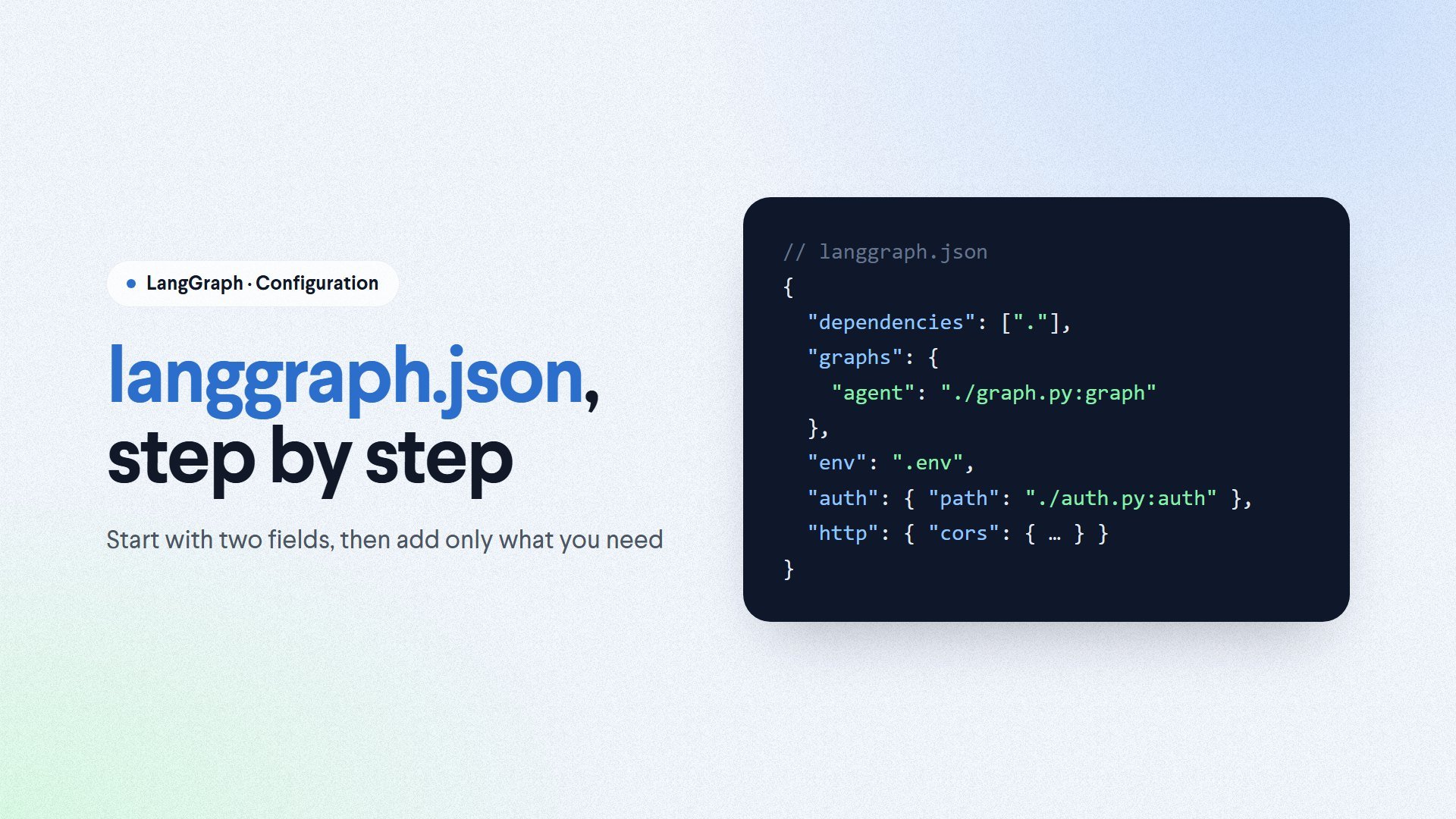
langgraph.json is the one file that turns a folder of Python into a deployable agent. The LangGraph CLI and the Agent Server read it to know what to install, which graphs to serve, and how to configure the server.
You don't need to learn every field. Start with the two-field version below, then add a section from this guide only when you need what it does. The full field list is at the end, for looking things up.
Start here: the smallest file that works
Put langgraph.json at the root of your project, next to your dependency file:
my-agent/
├── langgraph.json
├── pyproject.toml          # or requirements.txt
└── src/agent/graph.py      # defines: graph = builder.compile()
That's all most agents need to start:
- What to install.
"."means this folder, using itspyproject.tomlorrequirements.txt. - The graph's name. Clients pass it as the assistant ID.
- Where the graph is. A path relative to this file, a colon, then the variable holding your compiled graph.
Check it works:
pip install -U "langgraph-cli[inmem]"langgraph dev
If the server starts on port 2024 and opens Studio with your graph, the file is right.
Add what you need
Find what you want to do, then copy that section's fields into your file next to the two you already have.
Load API keys and other secrets
"env": ".env"
Points at a .env file, so your model keys reach the graph locally. You can also give a map of names to values instead of a file path. Don't commit the .env file. On LangSmith Cloud, set secrets in the deployment's settings instead.
Serve more than one agent
"graphs": {
  "support": "./src/agent/graph.py:graph",
  "research": "./src/research/graph.py:make_graph"
}
One server, two agents, each called by its own name. make_graph shows the other form: a function that builds the graph when a run starts. It receives the run's config, so you can pick a model or tools per request.
Choose the Python version or image
"python_version": "3.12",
"image_distro": "wolfi"
The default is Python 3.11 on Debian. 3.12 and 3.13 are also supported. The docs recommend the smaller wolfi image. These only matter for langgraph build, langgraph up and deployments; langgraph dev uses your local Python.
Install a system package
"dockerfile_lines": ["RUN apt-get update && apt-get install -y ffmpeg"]
Extra Dockerfile lines, run while the image is built. This example is for the default Debian image. On wolfi, use apk add instead.
Require users to log in
"auth": { "path": "./src/agent/auth.py:auth" }
Points at a langgraph_sdk.Auth object. It runs on every request, so you decide who the caller is and which threads they can see. Without it, anyone who can reach the server can use it.
Give the agent long-term memory
"store": {
  "index": { "embed": "openai:text-embedding-3-small", "dims": 1536 }
}
Turns on semantic search in the store, so the agent can find memories by meaning across conversations. dims must match the embedding model, 1536 for this one.
Delete old conversations automatically
"checkpointer": {
  "ttl": { "strategy": "delete", "default_ttl": 43200, "sweep_interval_minutes": 10 }
}
Deletes threads 30 days (43,200 minutes) after their last update, checking every 10 minutes. The store has the same ttl setting for memories. All TTL values are in minutes.
Let a website call the server
"http": {
  "cors": { "allow_origins": ["https://app.example.com"], "allow_credentials": true }
}
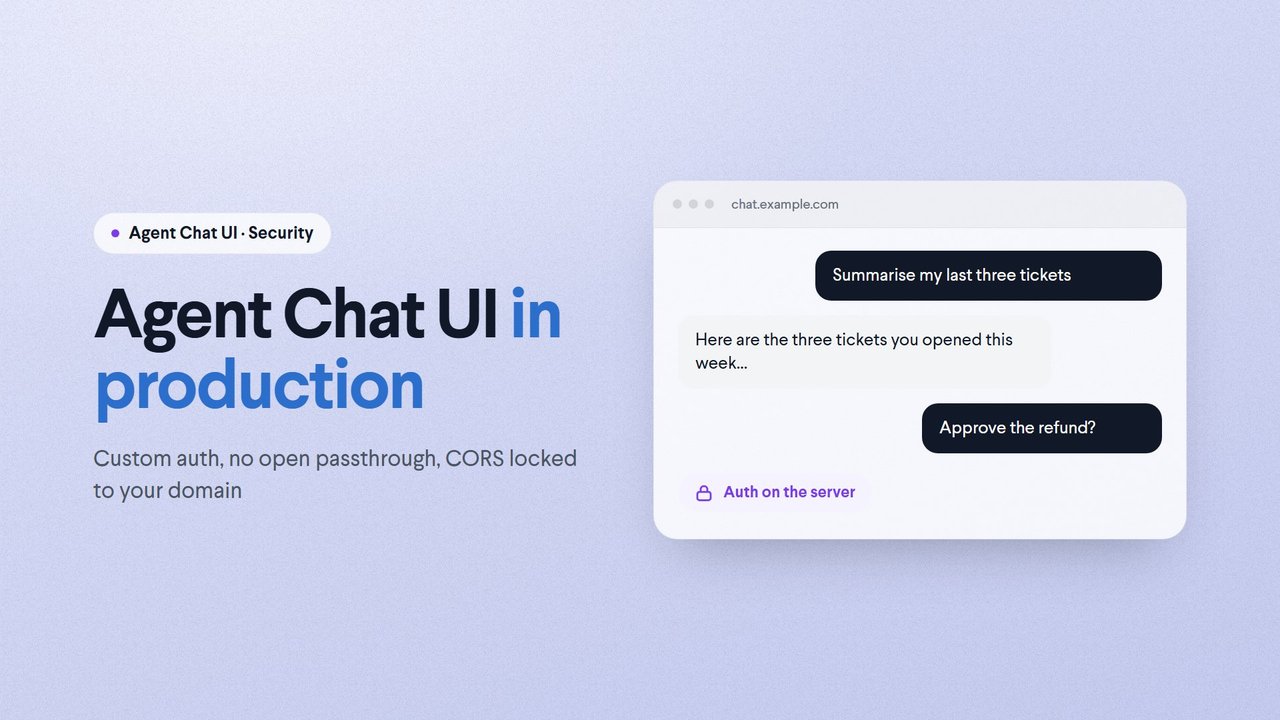
Needed when a browser app, such as Agent Chat UI, calls the server directly from another domain. List only your own domains.
Add your own API routes
"http": { "app": "./src/agent/webapp.py:app" }
Mounts your own FastAPI or Starlette app on the same server, for example a webhook or a health page. Add "enable_custom_route_auth": true inside http if your auth handler should protect those routes too.
Check your changes
| Command | Use it to | Port |
|---|---|---|
langgraph dev |
Run the server locally with hot reload. Restart it after editing langgraph.json |
2024 |
langgraph up |
Build the real image and run it with Postgres and Redis in Docker | 8123 |
langgraph build -t my-agent |
Build the image to push to your registry | |
langgraph dockerfile Dockerfile |
See the Dockerfile your config produces |
All of them read ./langgraph.json. Use -c path/to/file.json for a different file.
When it doesn't work
| What you see | Likely cause | Fix |
|---|---|---|
| The server can't find or import your graph | Wrong path or variable name in graphs |
Paths are relative to langgraph.json, in the form ./path/file.py:variable, and the variable must exist when the file is imported |
| A package is missing when the server starts | It isn't in your dependency file, or dependencies points at a file |
List it in pyproject.toml or requirements.txt. Point dependencies at the folder, not the file |
| Your edit has no effect | The config was baked into an image | Rerun langgraph build or langgraph up. Regenerate any Dockerfile made with langgraph dockerfile |
The config is rejected for having source |
source (install from a uv lockfile) can't be combined with dependencies |
Use one or the other. source also needs python_version |
| The browser shows a CORS error | The site's domain isn't allowed | Add it to http.cors.allow_origins |
| Model calls fail with missing keys in a deployment | .env wasn't uploaded, as it shouldn't be |
Set the keys in the deployment's environment settings |
Full field reference
| Field | What it does |
|---|---|
dependencies |
Packages to install. Required unless source is set |
graphs |
Graph name → ./file.py:variable or a factory function. Required |
env |
A .env path, or a map of variables |
source |
Install from a uv lockfile (kind: "uv") instead of dependencies |
python_version |
3.11 (default), 3.12 or 3.13 |
node_version |
20, for LangGraph.js projects |
base_image |
Pin the server image, e.g. langchain/langgraph-server:0.2 |
image_distro |
debian (default), wolfi, bookworm or bullseye |
pip_installer |
auto (default, uses uv), pip or uv |
pip_config_file |
A pip config, e.g. for a private package index |
keep_pkg_tools |
Keep pip, setuptools or wheel in the final image |
dockerfile_lines |
Extra Dockerfile lines |
auth |
path to your Auth object, plus disable_studio_auth, allow_langsmith_api_keys, openapi |
store |
Long-term memory: index for semantic search, ttl for expiry |
checkpointer |
Thread state: backend, ttl and serializer settings |
http |
app, cors, header passing, mount_prefix, middleware_order, and disable_* switches for built-in routes |
webhooks |
Headers and URL rules for run-completion webhooks |
ui |
Named UI components for generative UI |
api_version |
Pin the Agent Server API version |
priority |
path to a run-priority handler |
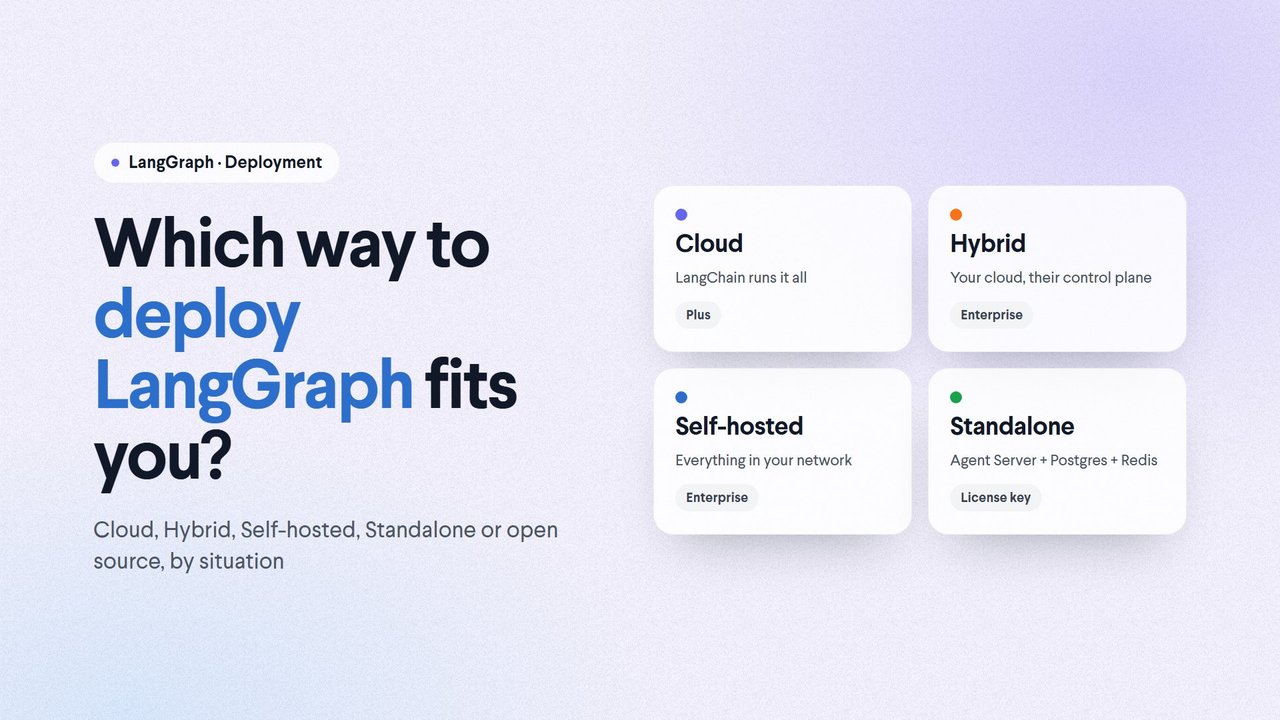
This follows the Python docs. JavaScript projects use the same file with node_version. Once your file works with langgraph dev, the next step is choosing where to run it: how to deploy a LangGraph agent.
Sources (checked 24 November 2026)
- LangGraph CLI and configuration file: every field and command
- Application structure: project layout
- Local development and testing:
devandup
Comments